Network device monitoring
Network device monitoring tool for every business
Monitor every device that keeps your network up — routers, switches, firewalls, servers, access points, CCTV and, for ISPs, OLTs — for IT teams, schools, hospitals, hotels, factories, offices and internet providers.
A network device monitoring tool watches every device that keeps a network running — routers, switches, firewalls, servers, access points, printers, CCTV NVRs and, for ISPs, OLTs and ONTs — so you learn a device is down, overloaded or degraded before people complain. It is for any organisation with a network, not just ISPs: IT teams, schools and colleges, hospitals and clinics, hotels, factories, retail chains, offices and internet providers all use one.
What a network device monitoring tool does
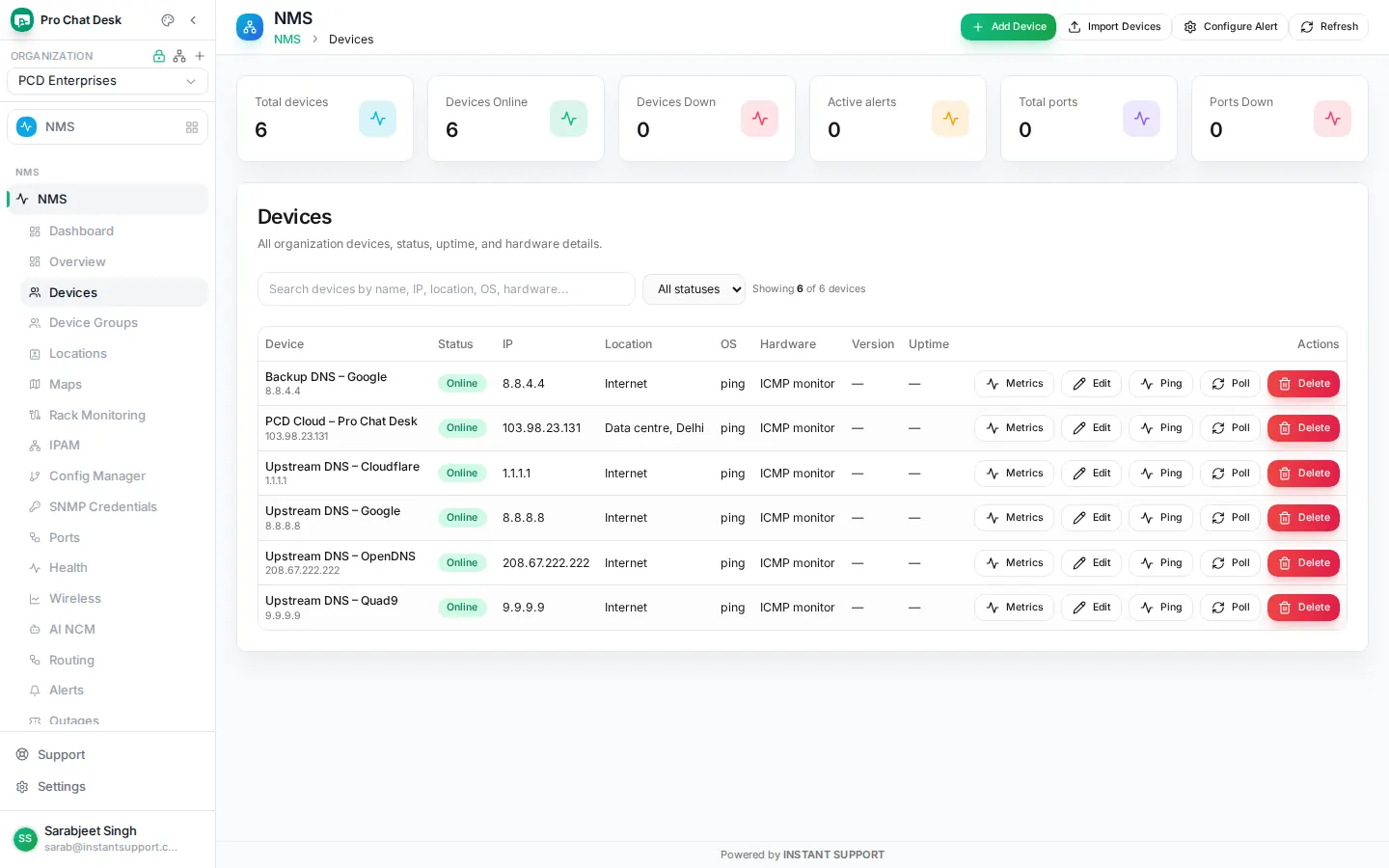
- Device up/down — continuous SNMP v2c/v3 and ICMP ping checks with instant alerts when a device or port stops responding.
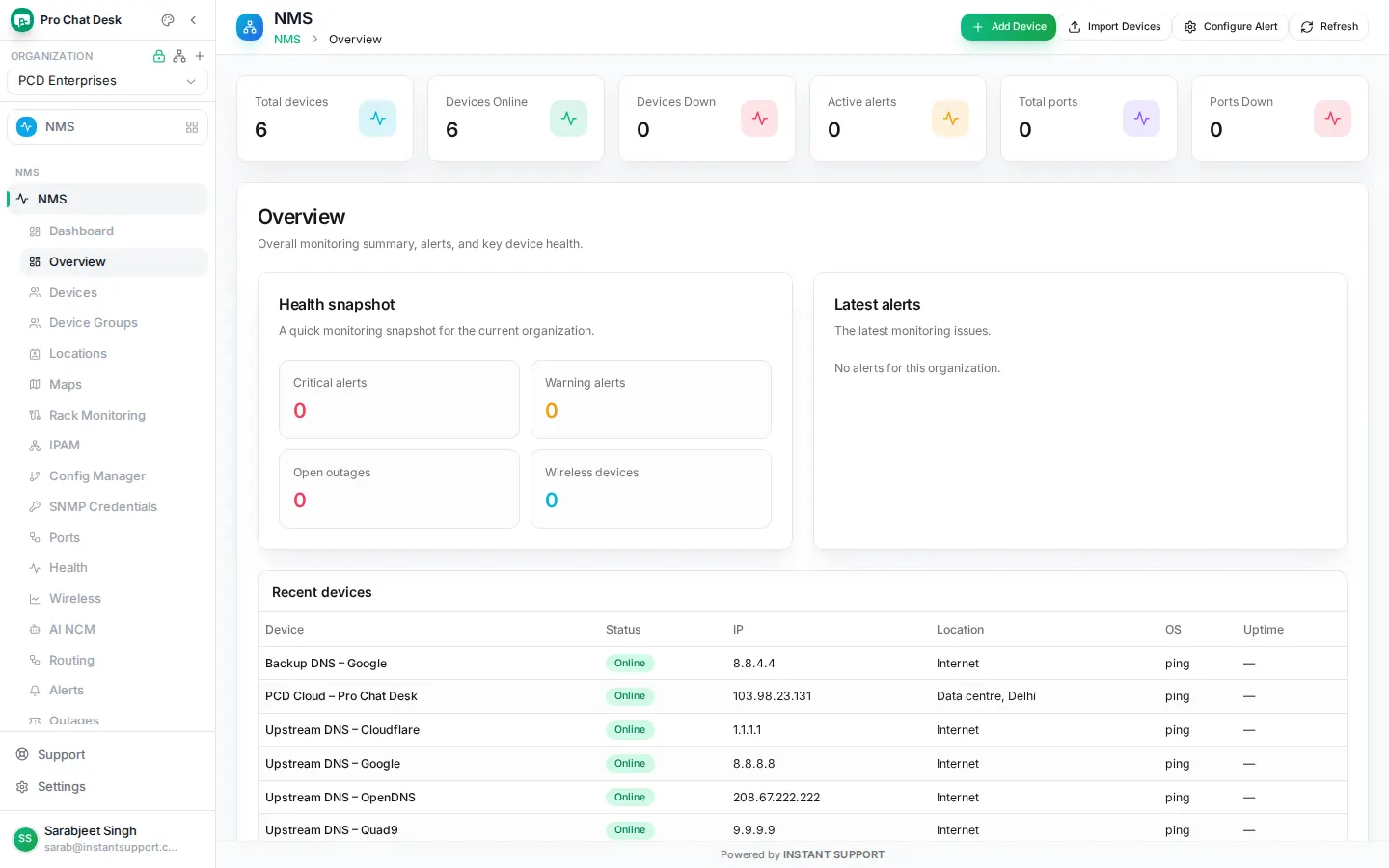
- Health metrics — CPU, RAM, interface traffic and bandwidth, SFP optical levels, wireless health and uptime per device.
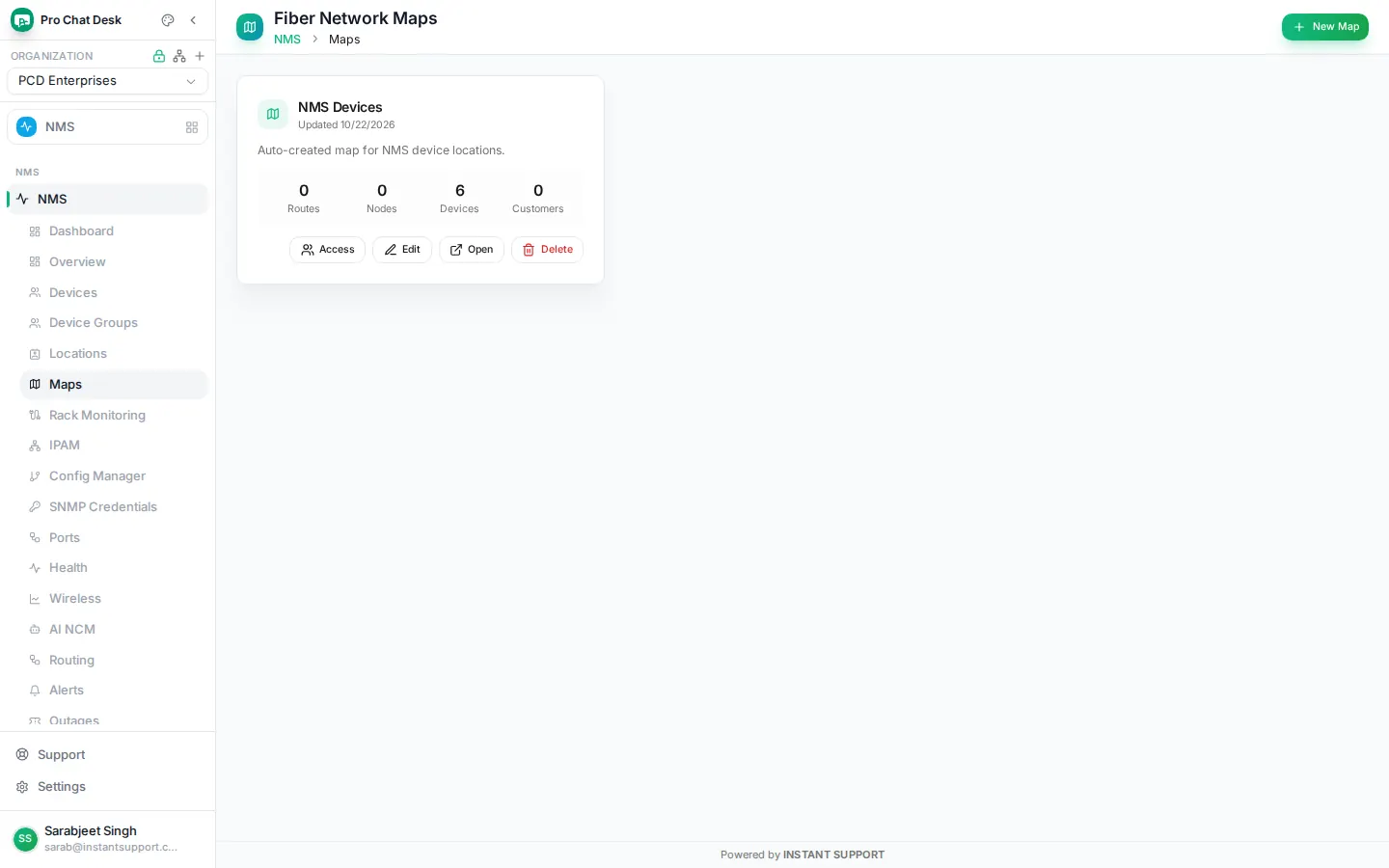
- Dashboards & maps — one screen for the whole estate, with topology and, where you need it, live maps where links change colour with load.
- Alerts — device, port and routing-session (BGP/OSPF/IS-IS) alerts on WhatsApp, email or the app, so the right person knows at once.
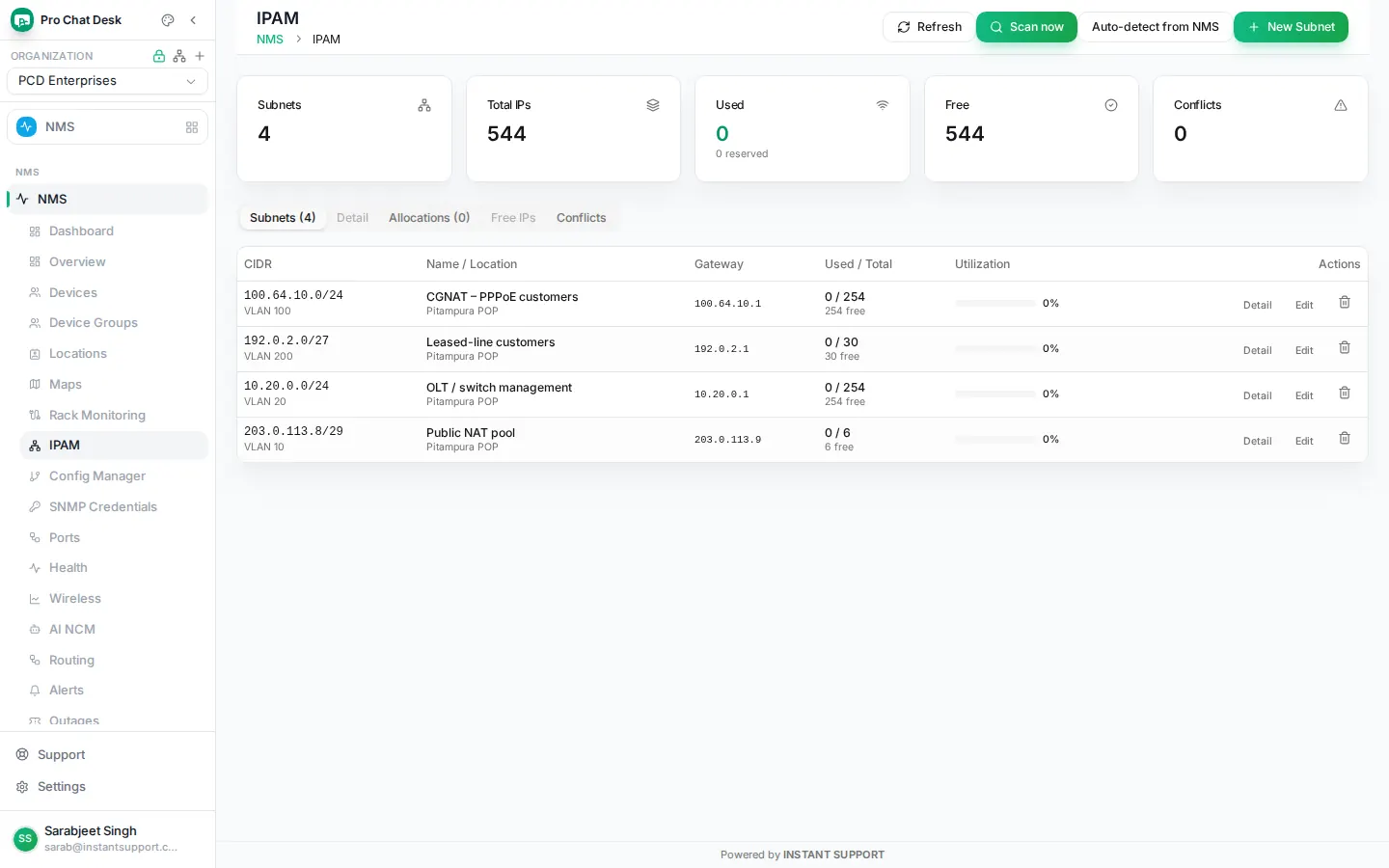
- IPAM & config backups — track subnets and VLANs, and keep scheduled config backups with diffs to roll back mistakes.
Who uses it
- IT teams & MSPs — watch servers, switches, firewalls and APs across one or many sites.
- Schools, hospitals, hotels & factories — keep Wi-Fi, CCTV, servers and links up across a campus or building.
- Retail chains & offices — monitor branch routers and links, and get alerted before a site goes offline.
- ISPs & WISPs — add OLTs, ONTs and fibre maps, and share a login with RADIUS billing and compliance logs.
Choosing one
Global tools like the well-known open-source and enterprise options are powerful but heavy to set up and rarely alert on WhatsApp or come with a mobile app. For a business or IT team that wants device monitoring that is quick to start, sends alerts on WhatsApp and has an app — and, for ISPs, the same login as billing and compliance — a made-in-India NMS is often the better fit.
Pro Chat Desk network monitoring
Pro Chat Desk's NMS monitors routers, switches, firewalls, servers, access points, OLTs and CCTV over SNMP and ping, shows device health and traffic on dashboards and live maps, keeps IPAM and config backups, and sends outage alerts on WhatsApp. The ProChatDesk NMS app for iPhone and iPad puts devices and outages in your pocket. It starts at ₹999 per month for 20 devices, up to unlimited on Enterprise, with a 30-day free trial and no card. For ISPs it shares a login with RADIUS billing, the IPDR log server and TR-069.
See the full network monitoring page, OLT & fibre monitoring, or start a free trial.
See it in the product
Live screens from the Pro Chat Desk portal with a demo company.
Questions ISPs ask
Short, straight answers.
Who is a network device monitoring tool for?
Any organisation with a network — IT teams and MSPs, schools, hospitals, hotels, factories, retail chains and offices, as well as ISPs. It monitors routers, switches, firewalls, servers, access points, CCTV and, for ISPs, OLTs and ONTs.
Which devices can it monitor?
Routers, switches, firewalls, servers, access points, printers, CCTV NVRs and, for ISPs, OLTs and ONTs over SNMP v2c/v3 and ICMP ping, with CPU, RAM, interface traffic and optical levels.
Do alerts come on WhatsApp?
Yes. Device-down, port-down and BGP/OSPF/IS-IS session alerts go to the numbers you choose, plus email and the NMS app.
How much does it cost in India?
From ₹999 per month for 20 devices up to unlimited on Enterprise, plus GST, with a 30-day free trial and no card.